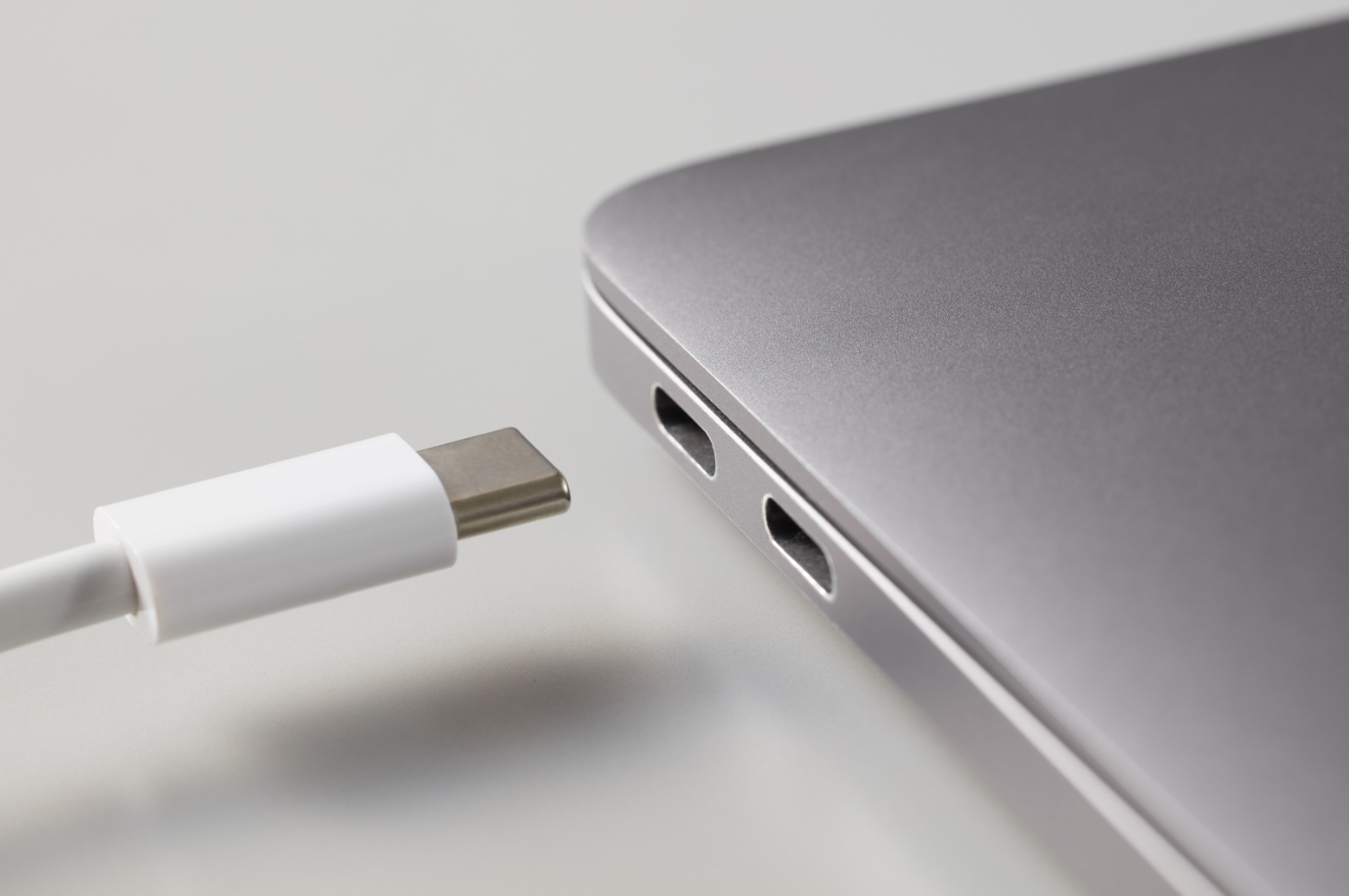
Laptop not charging properly? Find out if it's a battery or charging port issue and when to get it repaired in Melbourne.
When your laptop suddenly stops charging or struggles to hold power, it can be difficult to know what's causing the problem. Is the battery reaching the end of its lifespan, or is the charging port failing?
Both issues can produce similar symptoms, including unexpected shutdowns, slow charging, or a laptop that refuses to power on. For professionals, students, and businesses across Melbourne, these problems can quickly disrupt productivity and make everyday tasks difficult.
Understanding the signs of battery and charging port problems can help you act early and avoid more serious repairs.
Laptop batteries naturally degrade over time. After years of charging and discharging, their ability to hold power gradually declines.
Some of the most common signs of a failing battery include:
In some situations, the battery may stop charging altogether or fail to hold any charge at all.
For people who rely on their laptops for work or study, declining battery performance can quickly become frustrating and affect productivity.
Charging port issues often mimic battery problems, making diagnosis difficult without proper testing.
Some common symptoms include:
Physical wear is one of the most common causes of charging port failure. Daily plugging and unplugging eventually places stress on the charging socket and internal connectors.
Accidental knocks, pulling the charging cable, or using damaged chargers can also contribute to charging port issues.
Because both components work together, it is not always easy to determine which one is causing the issue.
For example, Battery-related issues often include:
Charging port issues often include:
In some cases, both components may be contributing to the problem.
Professional diagnostics can help identify the exact cause and prevent unnecessary repairs.
Several factors can shorten the lifespan of a laptop battery.
Every rechargeable battery has a limited number of charging cycles. Over time, its ability to hold power naturally decreases.
Excessive heat is one of the biggest causes of battery deterioration. Running demanding software, poor ventilation, or blocked cooling systems can place additional strain on battery health.
Keeping a laptop plugged in continuously can accelerate battery wear on some models, particularly older devices.
Using poor-quality or incompatible chargers may affect charging performance and place additional stress on the battery and power components.
Charging sockets are small components that experience frequent use.
Common causes of charging port damage include:
Forcing charging cables into the port or pulling the cable from an angle can loosen internal connections.
Dust buildup inside the charging socket may prevent proper contact between the charger and the port.
A laptop falling while connected to the charger can damage the charging port or the surrounding motherboard components.
Electrical surges can occasionally damage charging circuits and affect how the charging port functions.
If your laptop suddenly stops charging, there are a few things you can check first.
Look for signs of damage, frayed cables, or bent connectors.
Sometimes the issue may simply be related to the power source.
Temporary software issues can occasionally interfere with charging.
Look for visible debris or signs of physical damage.
If the battery drains unusually quickly or the laptop only works when plugged in, the battery may require further assessment.
If the problem continues, professional diagnosis is usually the best next step.
While some wear is unavoidable, a few simple habits can help extend the life of your laptop.
Addressing small issues before they worsen can often prevent more extensive repairs later.
Battery and charging port problems can sometimes point to other larger underlying issues.
For example, charging failures may also be caused by:
Replacing the wrong component can lead to unnecessary costs and ongoing problems. Professional technicians can test the charging system, battery health, and internal components to determine the exact cause of the issue.
If your laptop is no longer charging properly, loses battery quickly, or only works when plugged in, professional assessment can help identify the cause before the issue becomes more serious.
At AMT Electronics, we provide laptop repairs on battery replacements, charging port repairs, screen repairs, comprehensive diagnostics and more for a wide range of laptop brands and models.
Our Melbourne technicians focus on practical, reliable repairs that restore performance and help keep your laptop running efficiently for work, study, and everyday use.
This article is provided free of charge for public information. We do not guarantee, and accept no legal liability for, the accuracy, reliability, currency, or completeness of the content or any linked material. Users should apply their own judgment and verify the material’s relevance to their needs. This article is a general summary and not a substitute for legal or professional advice. Users should seek appropriate advice for their circumstances. Any third-party views expressed do not necessarily reflect ours or imply endorsement.
©2026. All rights reserved.